If your application has been successful, the organisation may send through a letter of offer, a task to complete such as sending a copy of your qualifications, and a copy of your contract.
You’ll receive a notification:
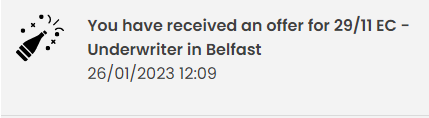
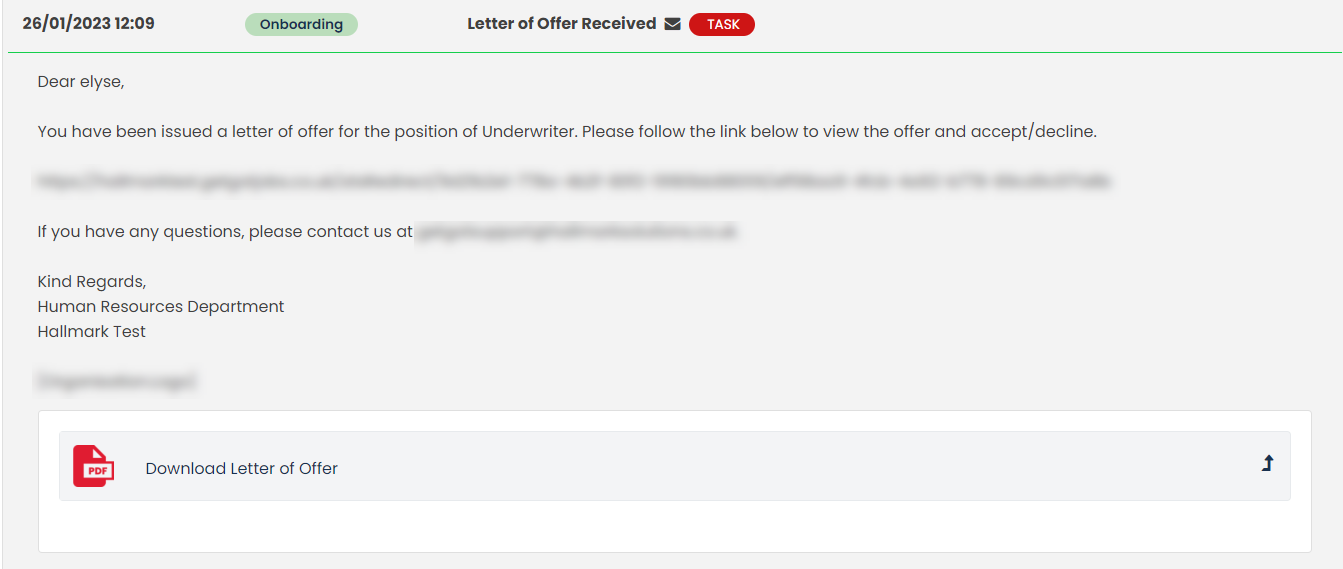
Clicking on the notification will bring you to the application status page and you’ll see the offer they’ve sent to you. If the organisation has attached any further documentation, you can download this here.
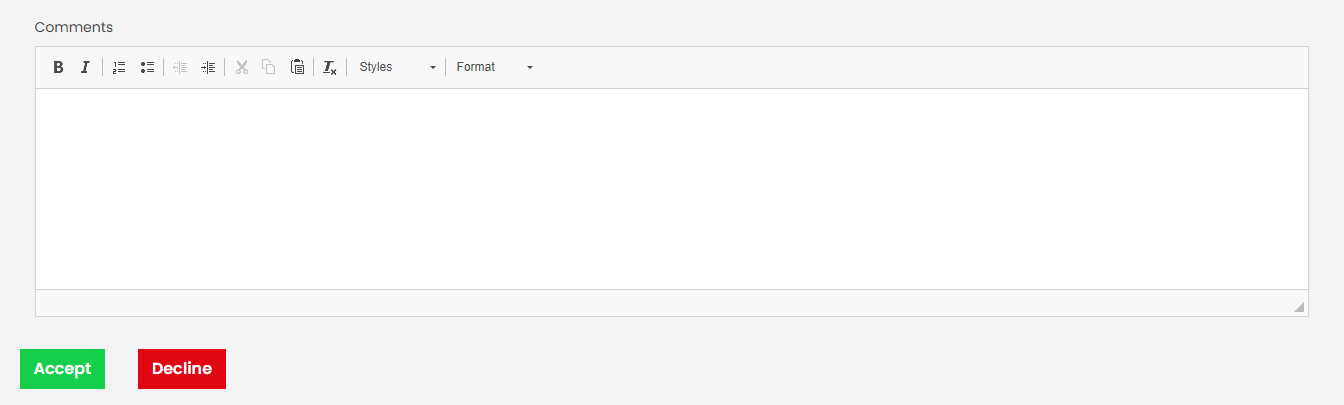
Below the offer, you can add a comment before you Accept or Decline the offer.
If a contract has been sent, it will be the same as above with the ability to accept/decline
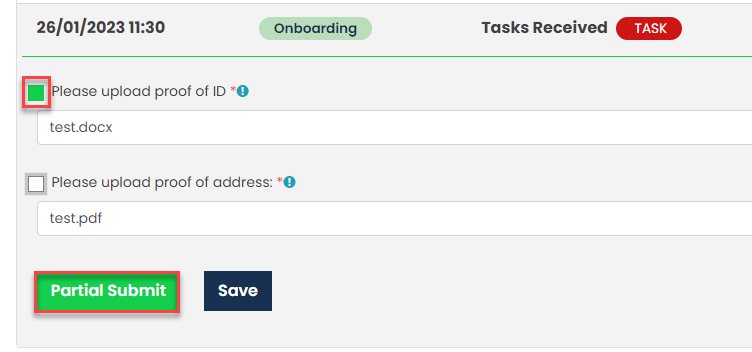
Some employers may require additional information such as qualifications, proof of ID etc, and this can be sent out to you as a task:
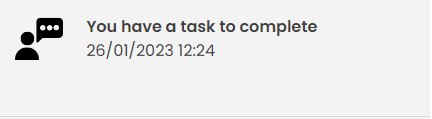
Clicking the envelope icon will allow you to view the task information/message the employer has sent. You can then click Browse to choose a file to upload.

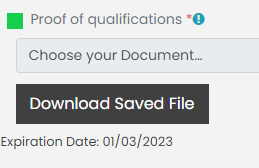
You may need to upload documents by a certain date, so the employer may set an expiration date.
If you need to upload multiple files, you can choose Partial Submit which will only upload the document you’ve selected.
Once submitted, you can download the file.
Was this article helpful?
That’s Great!
Thank you for your feedback
Sorry! We couldn't be helpful
Thank you for your feedback
Feedback sent
We appreciate your effort and will try to fix the article