On the Application status page for your submitted application, your interview request will allow you to accept or decline an interview.
If the employer has sent a message, you can view this by clicking on the envelope icon. You can send a comment with your confirmation.
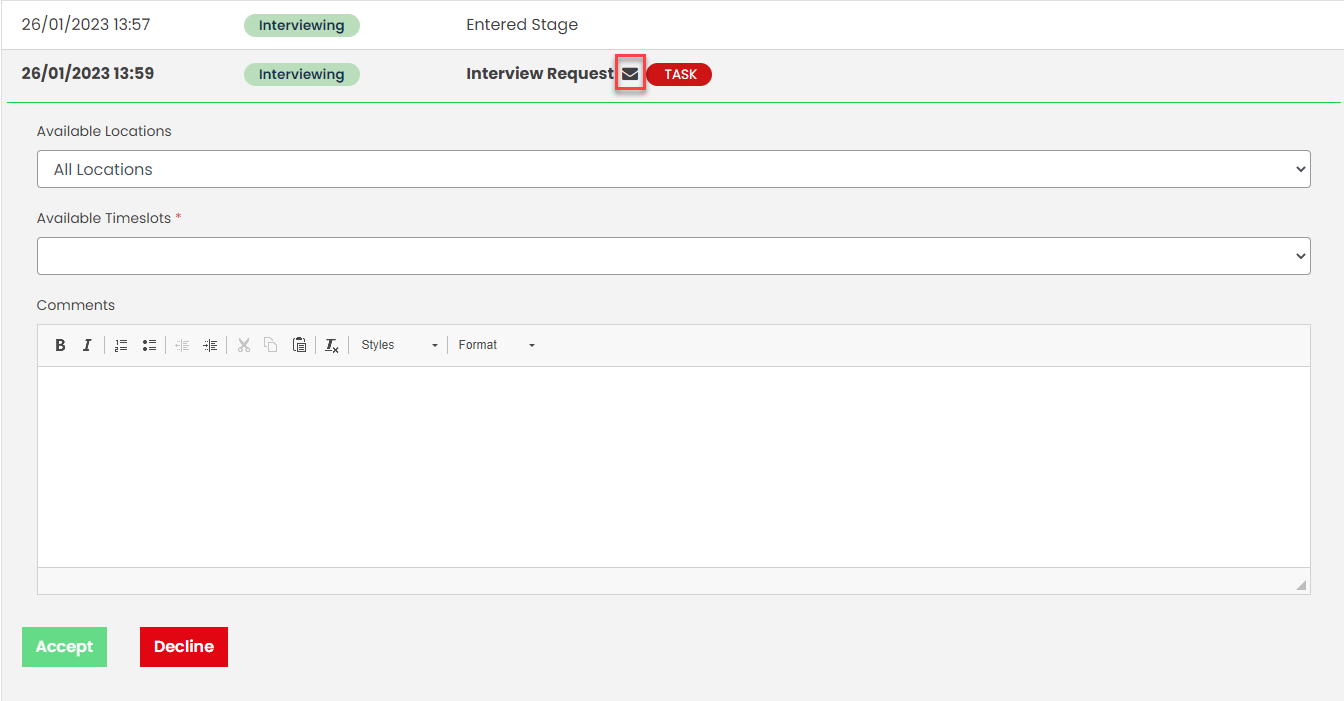
If there are multiple locations and timeslots, you can choose which you’d prefer.

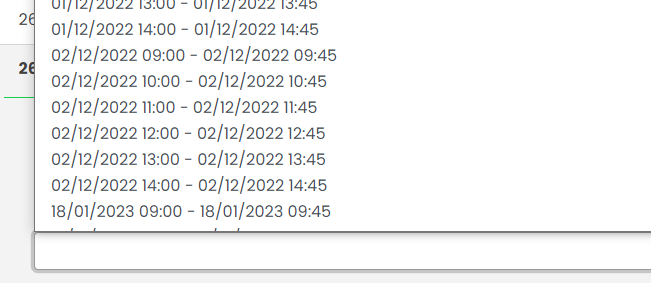
Employers may also offer multiple dates & times.
Declining the interview will update your progress will change to Interview Declined:

If you accept an interview timeslot, your progress will update to Interview Accepted.
Once an interview is accepted, if you need to cancel this, you’ll be able to leave a comment with the reason for cancellation, then click Cancel.
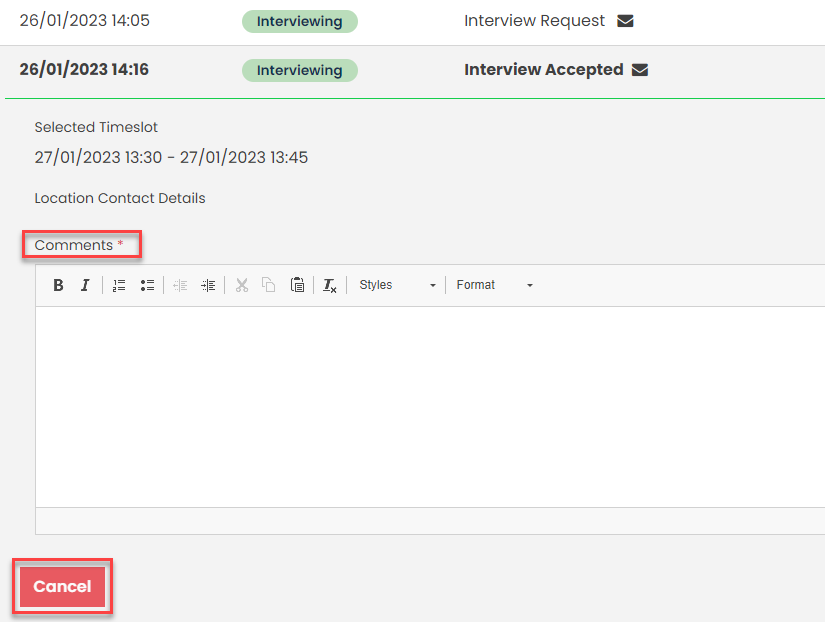
The progress will update to Interview Pending Cancellation:

Was this article helpful?
That’s Great!
Thank you for your feedback
Sorry! We couldn't be helpful
Thank you for your feedback
Feedback sent
We appreciate your effort and will try to fix the article