External Job Links can be accessed by users logged in to an admin account or by standard users who have access to the vacancy.
GetGot includes an External Job Links feature that helps organisations track the effectiveness of their recruitment advertising.
To access these links, locate the vacancy within the Jobs list, select the three dots under the Actions column, and click Edit.
Within the vacancy, select the External Links tab to view the available tracking URLs.
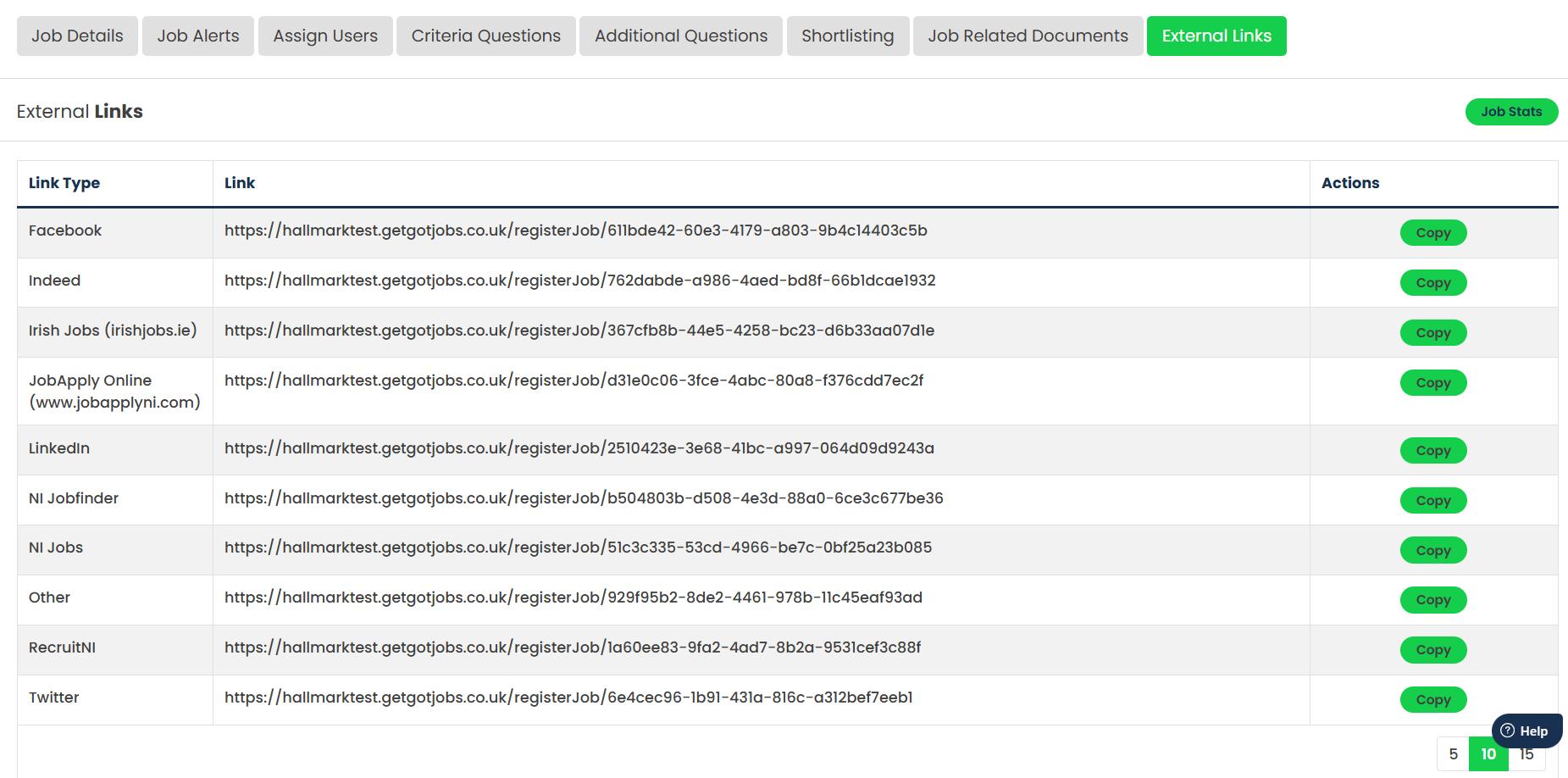
Unique tracking URLs are available for a range of external websites and social media platforms, including:
- Indeed
- IrishJobs
- Job Centre Online
- NI Job Finder
- NIJobs
- Twitter/X
- Other (for any external website not listed above)
Use the Copy button beside the relevant platform to copy the unique tracking link. This link can then be used when advertising the vacancy on the corresponding external website or social media platform.
When applicants access the vacancy using one of these links, GetGot records the source of the visit. This allows organisations to monitor which advertising channels are generating the most traffic and applicant engagement and helps evaluate the effectiveness of external recruitment campaigns.
Was this article helpful?
That’s Great!
Thank you for your feedback
Sorry! We couldn't be helpful
Thank you for your feedback
Feedback sent
We appreciate your effort and will try to fix the article