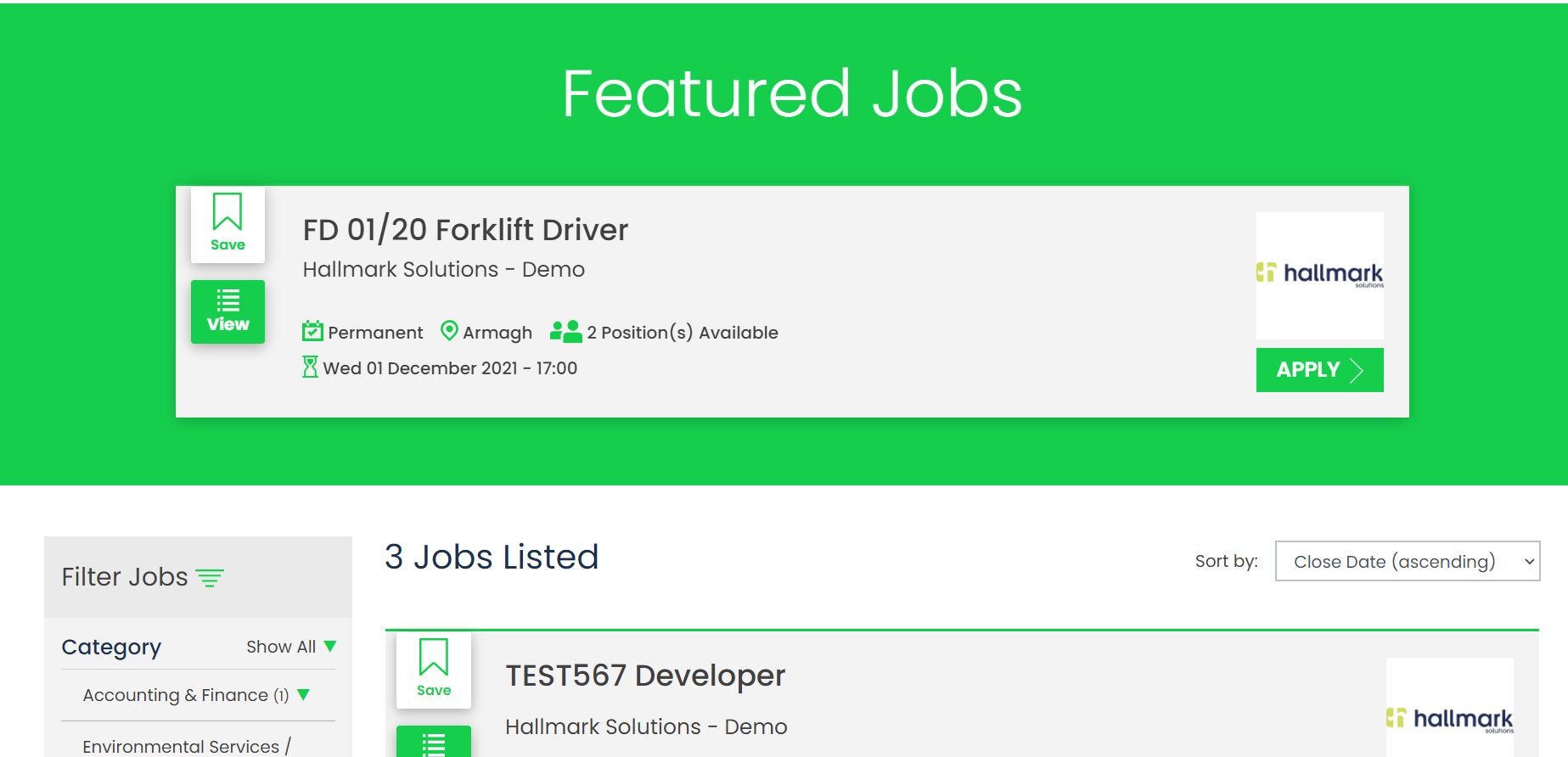
The Boost Jobs tile is an area where an admin user can choose specific jobs to be featured on their own GetGot Employer Hub. By boosting a job, it will appear at the top of your job list and will also be highlighted to stand out.
Note: This tile is only available if your Organisation is using an Employer Hub. If you need further details on this, please contact Hallmark Solutions.
When this screen opens you will be presented with the following:
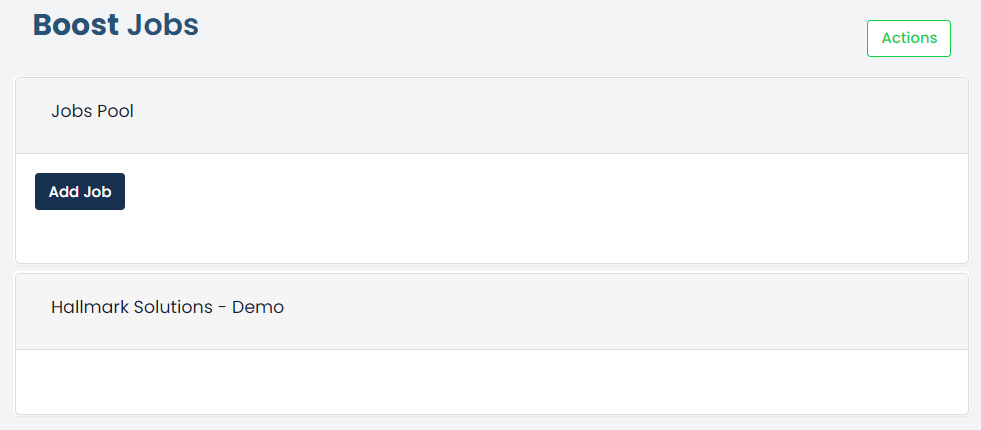
To boost a job, first you will need to add to the Jobs Pool area, to do this click the Add Job button

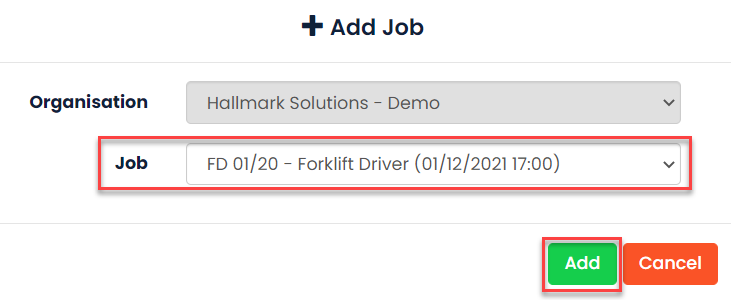
Select a job from the drop down and then click Add. The jobs listed in the drop-down list will come from your Open Jobs list.
This job will then be added to your Jobs Pool:

If the job is to be removed from the Jobs Pool, click the Delete button.
Once it has been added to the Jobs Pool, the job can then be selected to be boosted on your GetGot jobs page. In the area below, which will display your Organisation name, again click the Add Job button.

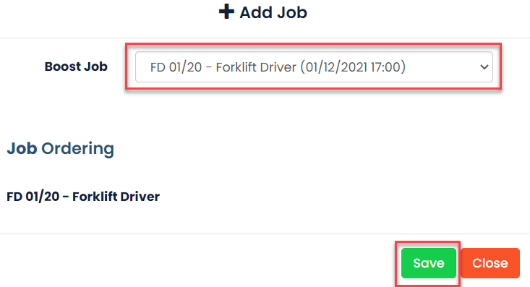 Select a job from the drop down. The jobs listed in the drop-down list will come from your Jobs Pool list. The jobs can be ordered as you require. Then click Save.
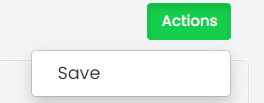 To confirm the jobs that are to be boosted, ensure you click the Actions button and then Save.
The job will display on your Employer Hub like the example below:
Was this article helpful?
That’s Great!
Thank you for your feedback
Sorry! We couldn't be helpful
Thank you for your feedback
Feedback sent
We appreciate your effort and will try to fix the article