 This tile allows users to search for applicants across all jobs that have been advertised within the organisation. This can be used to determine if an applicant has applied, what status their application is at and also general details about their application type. This can be used to find an applicant quickly instead of going into the full job list
After clicking on this tile a search function will open.
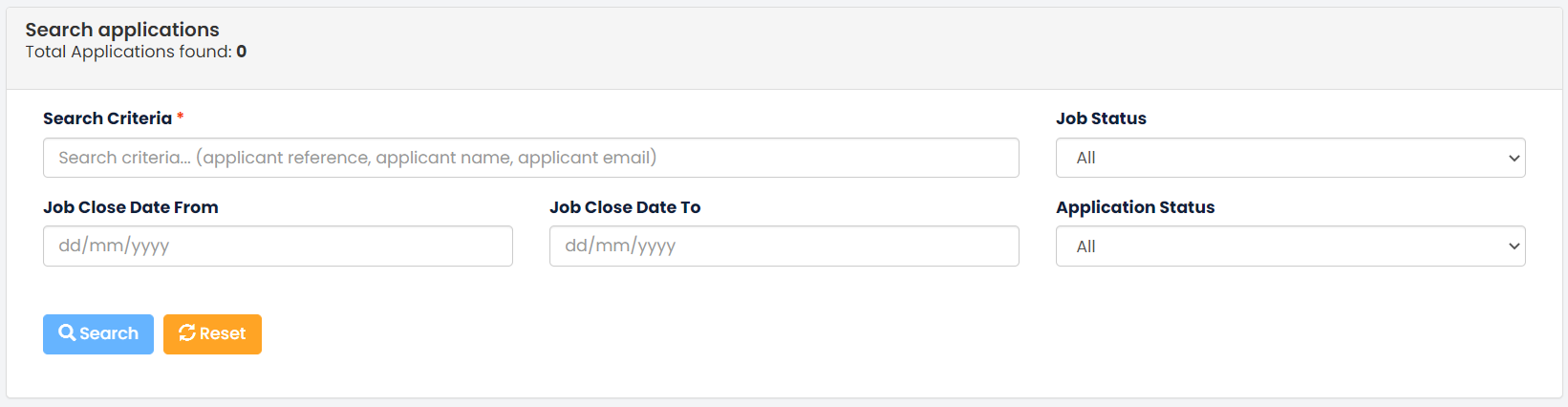
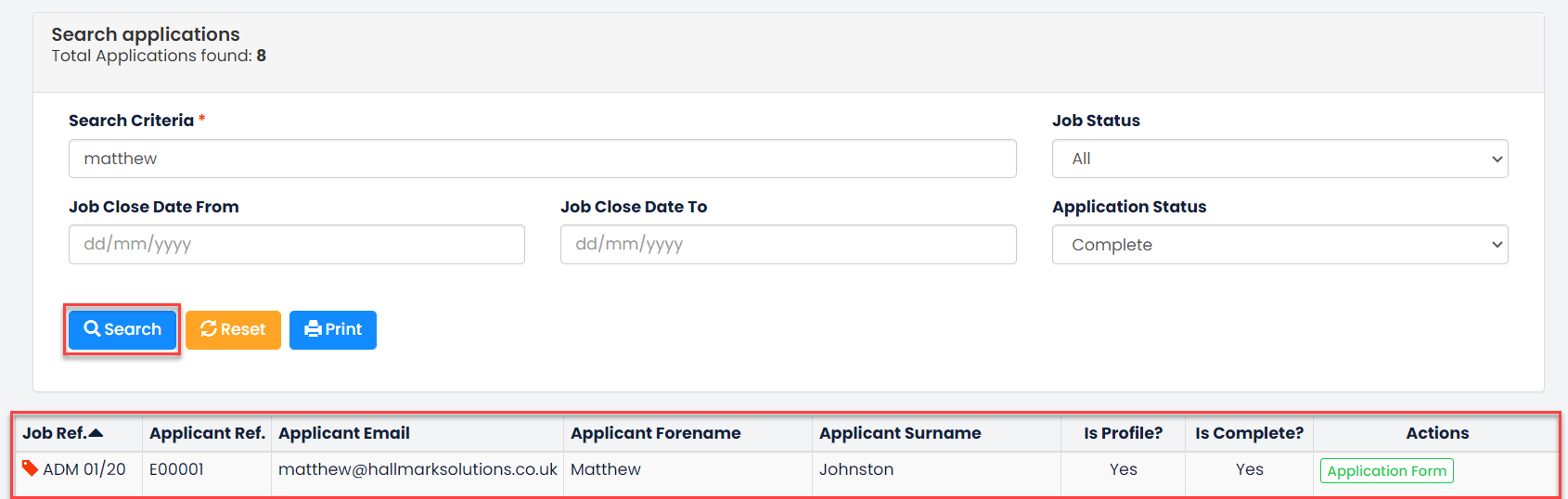
Use the filters to narrow your search, the Search Criteria parameter is a mandatory field. Then click the Search button and a grid will display with the results.
Was this article helpful?
That’s Great!
Thank you for your feedback
Sorry! We couldn't be helpful
Thank you for your feedback
Feedback sent
We appreciate your effort and will try to fix the article