Saved Answers allow you to store information that can be reused in future job applications where the autofill feature has been enabled.
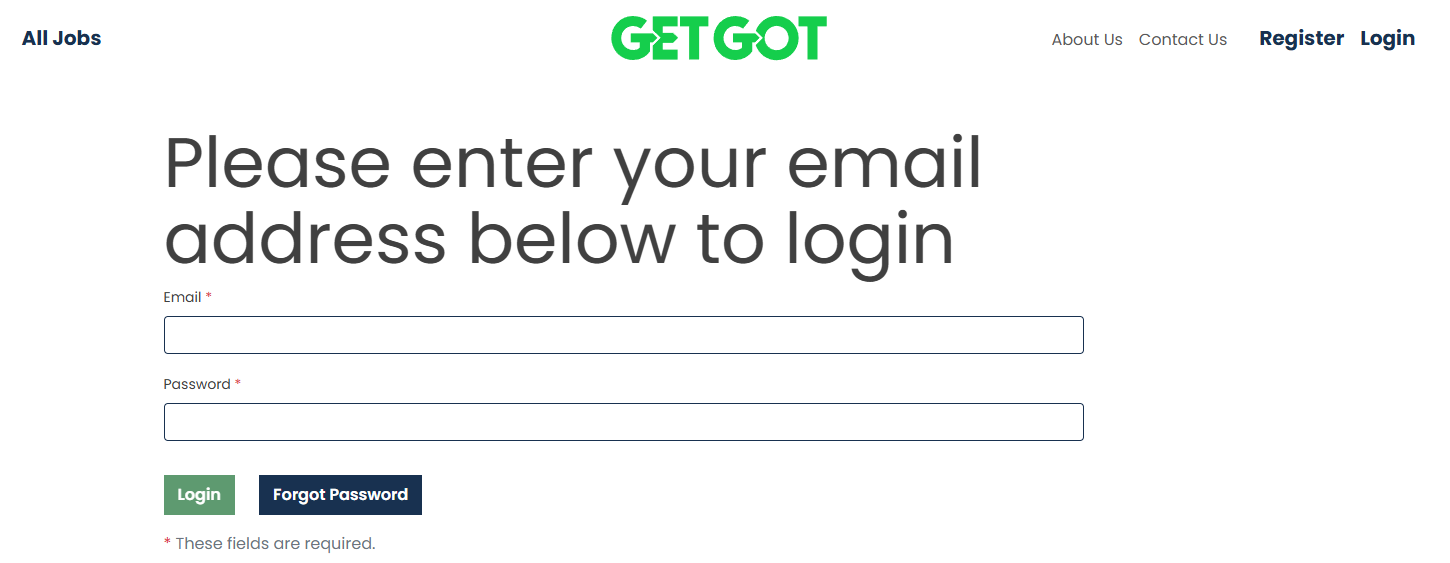
Step 1: Log In to Your Profile
Log in to your GetGot Profile using the following link: https://www.getgotjobs.co.uk/login
Step 2: Navigate to Saved Answers
From your Profile page, navigate to the Your Resources section.
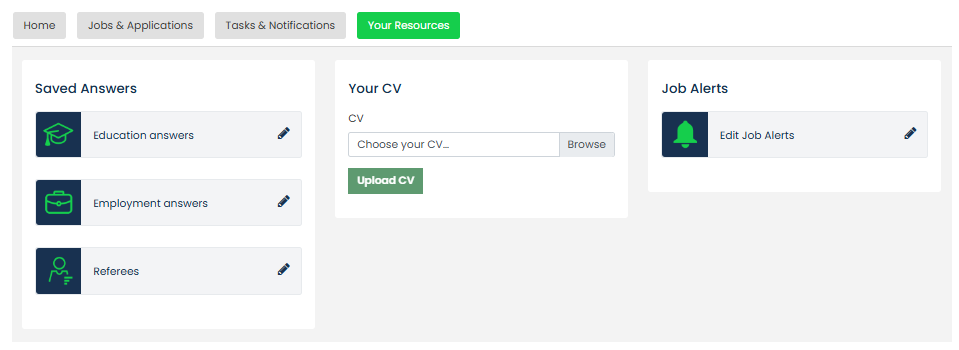
Step 3: Update Your Saved Answers
Under Saved Answers, you can add and maintain information for:
- Education Answers
- Employment Answers
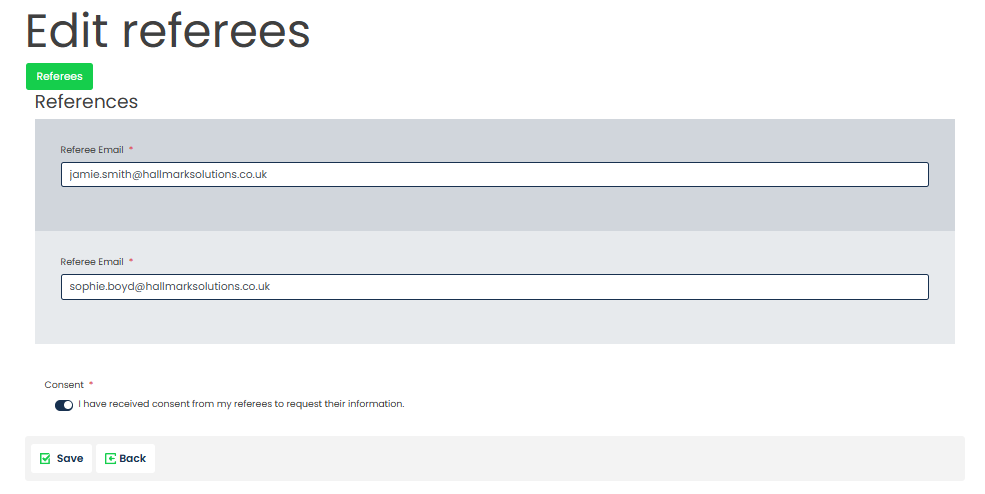
- Referee Details
Select the section you wish to update, enter your information, and click Save.
Step 4: Reuse Your Saved Answers
Once saved, your information will be stored within your Profile and can be used to populate future job applications where autofill has been enabled.

Updating your Saved Answers will not automatically update information on applications that have already been started or submitted.
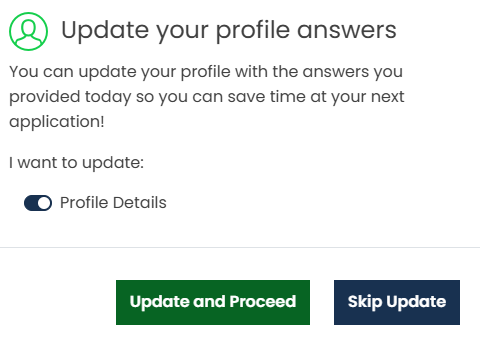
If you would like to save information entered on a job application to your Profile, select Update and Proceed after submitting the application.
Was this article helpful?
That’s Great!
Thank you for your feedback
Sorry! We couldn't be helpful
Thank you for your feedback
Feedback sent
We appreciate your effort and will try to fix the article