You can change your password at any time from within your GetGot Profile.
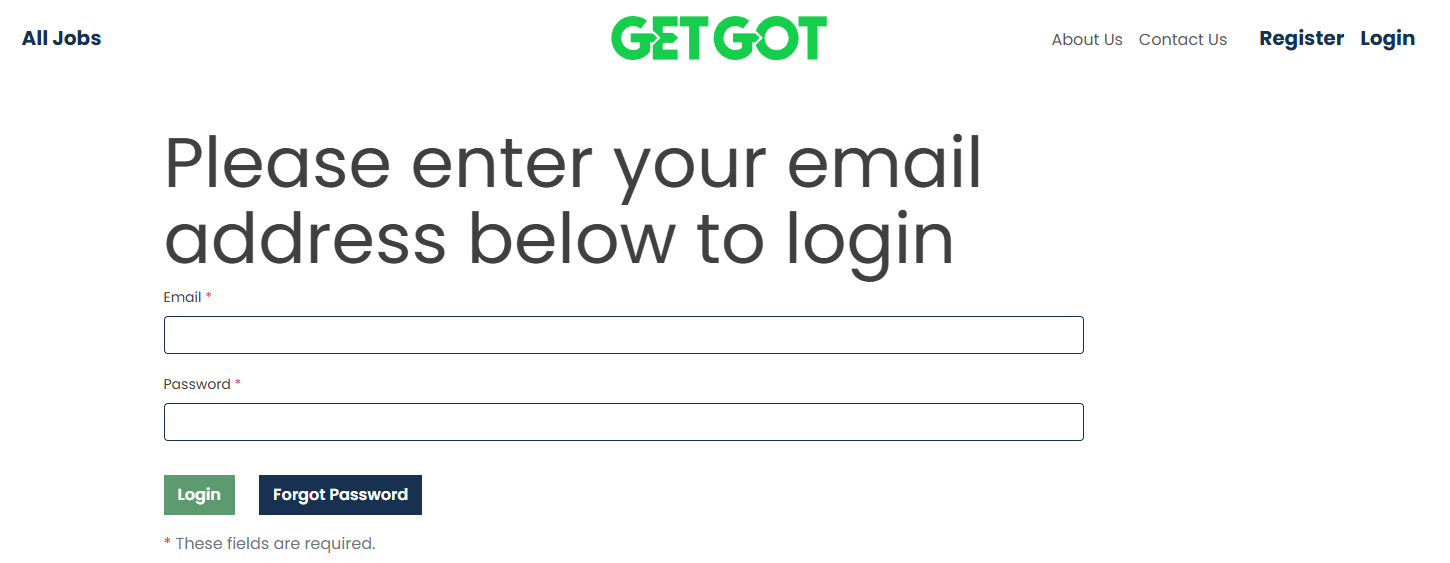
Step 1: Log In to Your Profile
Log in to your GetGot Profile using the following link: https://www.getgotjobs.co.uk/login
Step 2: Open Your Profile Information
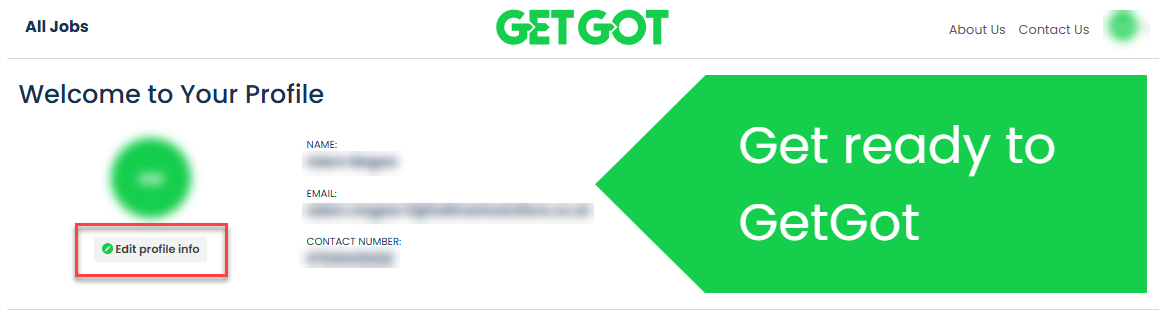
Once logged in, you will be directed to your Profile page.
Select Edit Profile Info to access your account settings.
Step 3: Change Your Password
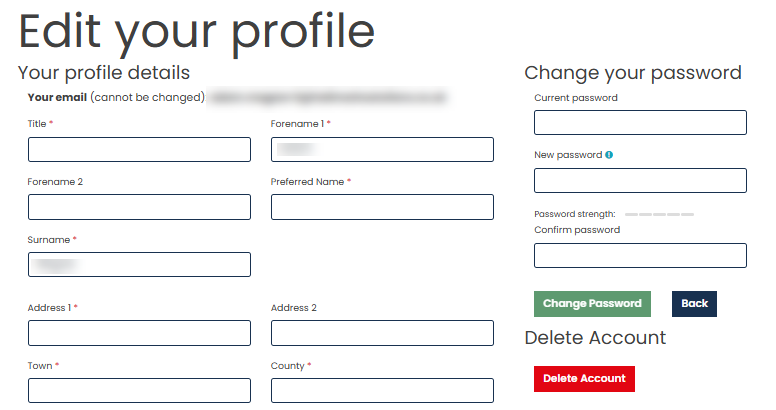
Within the Profile Information page, enter your current and new password in the fields under change your password.
Your password must:
- Be between 8 and 20 characters long
- Contain at least one uppercase letter
- Contain at least one lowercase letter
- Contain at least one number
- Contain at least one special character (!@#$%^&*)
Step 4: Save Your Changes
To confirm the change, click Change Password.
Was this article helpful?
That’s Great!
Thank you for your feedback
Sorry! We couldn't be helpful
Thank you for your feedback
Feedback sent
We appreciate your effort and will try to fix the article