Uploading your CV to your GetGot Profile allows you to keep your information up to date and make it easier to complete future job applications.
Step 1: Log In to Your Profile
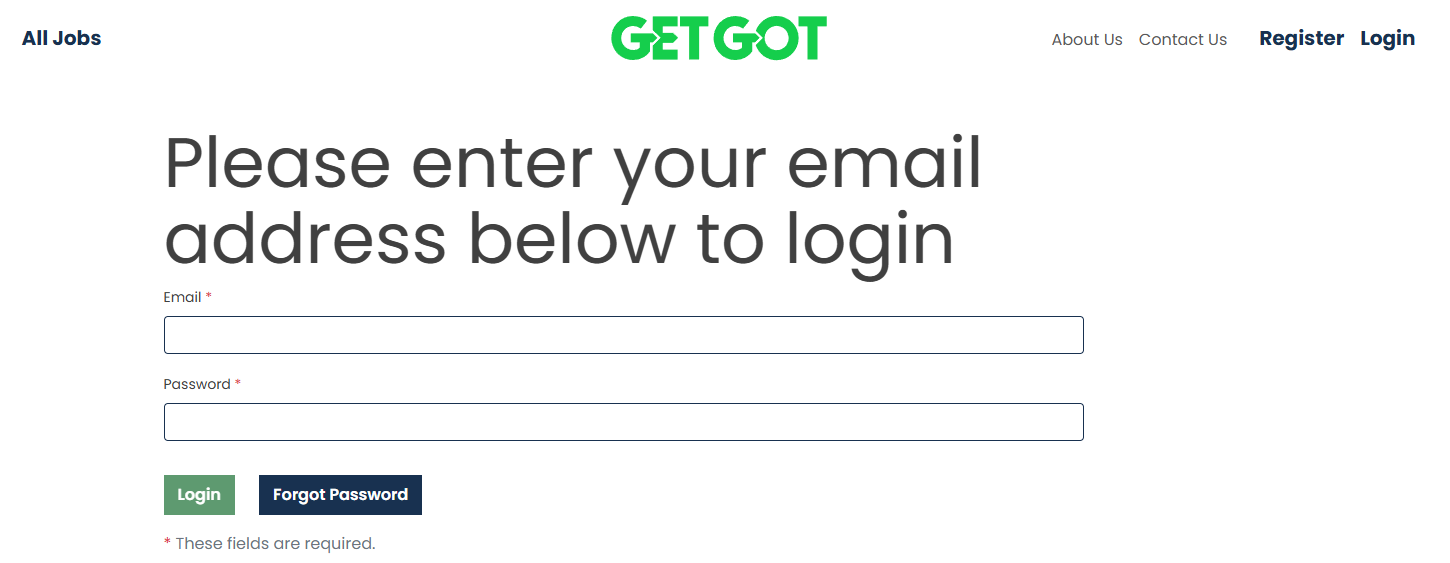
Log in to your GetGot Profile using the following link: https://www.getgotjobs.co.uk/login
Step 2: Navigate to Your CV
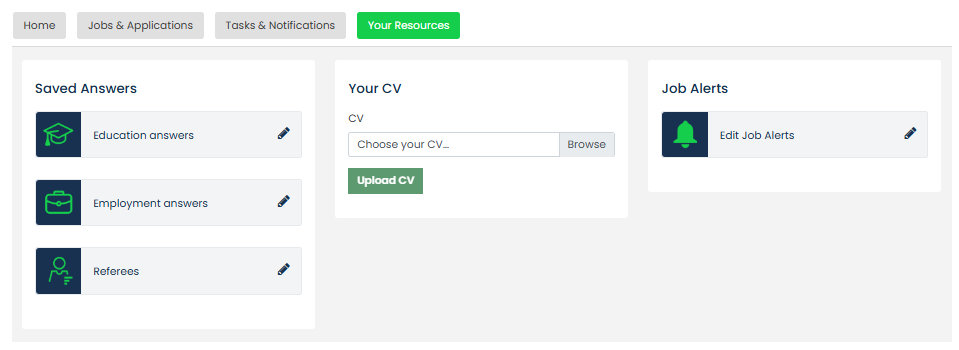
Once logged in, navigate to the Your Resources section of your Profile.
Step 3: Upload Your CV
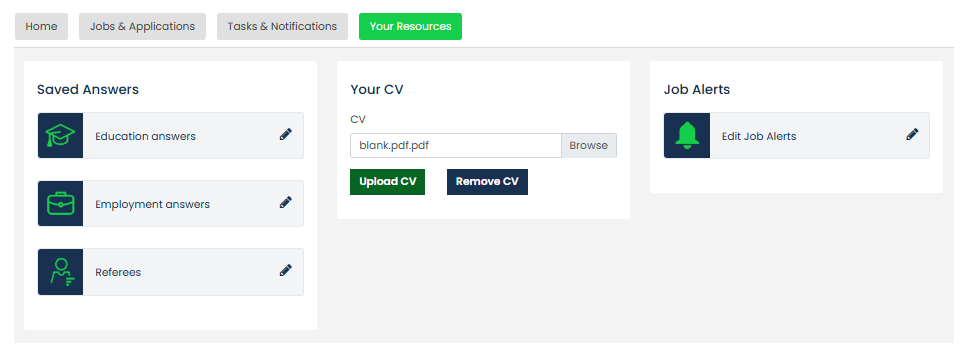
Select Browse to locate the CV you wish to upload from your device. Once selected, click Upload CV to add it to your GetGot Profile.
Step 4: Manage Your CV
Once uploaded, your CV will be stored within the Your CV section of your Profile.
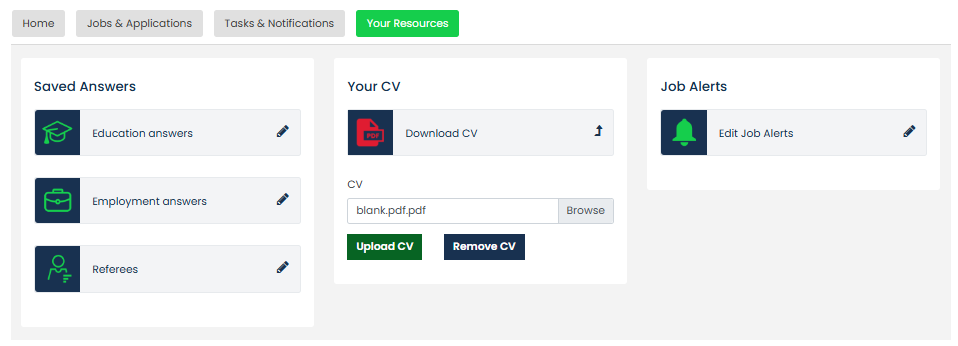
You can return to this area at any time to view, replace, or update your CV with a more recent version.
Was this article helpful?
That’s Great!
Thank you for your feedback
Sorry! We couldn't be helpful
Thank you for your feedback
Feedback sent
We appreciate your effort and will try to fix the article