Hi ...
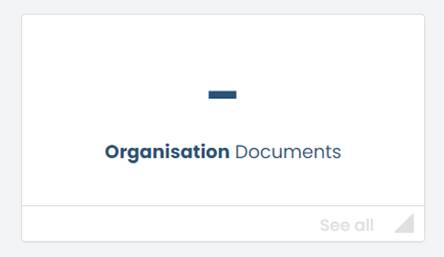
You need to log into your admin account to upload the updated document. Once you log into your admin account you will have to click onto ‘Organisations Documents’:
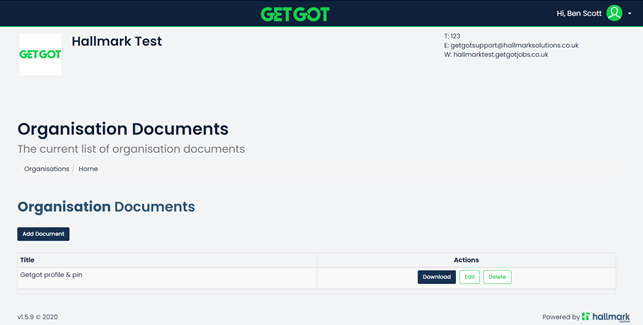
You will then proceed to the following page (screenshot below), where you can add a new document or edit and delete the Recruitment and Selection policy document:
Kind regards
Was this article helpful?
That’s Great!
Thank you for your feedback
Sorry! We couldn't be helpful
Thank you for your feedback
Feedback sent
We appreciate your effort and will try to fix the article