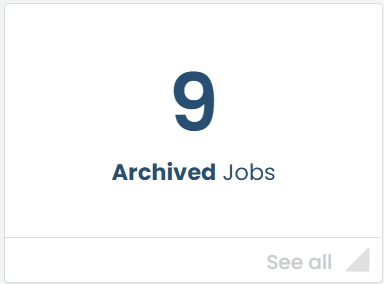
 The Archived Jobs tile is an area where you can archive jobs that are old and no longer needed on the system.
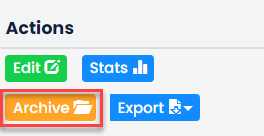 A job can only be archived after it has closed. To archive a closed job, go to your closed jobs list and find the job. There will be an action button called Archive.
Just click on this to move the archived jobs section.
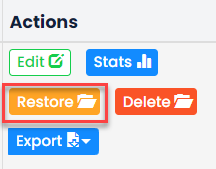 If you no longer wish to archive a job you can click on Restore from the Actions column.
This will move it back into the closed jobs list.
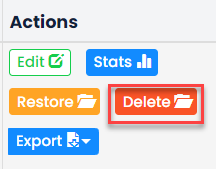 If you want to permanently remove a job from your GetGot system click on the Delete button.
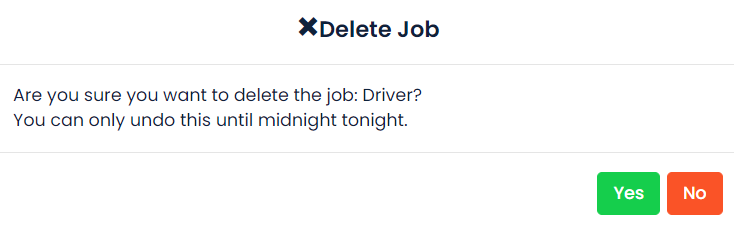 Clicking delete will not remove the job from the system immediately. But it will remove from the system at midnight of the day it has been deleted.
If you have marked a job for deletion but want to reverse that action, you can do so before midnight by clicking the Restore button.

Was this article helpful?
That’s Great!
Thank you for your feedback
Sorry! We couldn't be helpful
Thank you for your feedback
Feedback sent
We appreciate your effort and will try to fix the article