If you registered for a vacancy using the PIN method and cannot remember your PIN, you can request a reminder to be sent to the email address used when registering for the application.
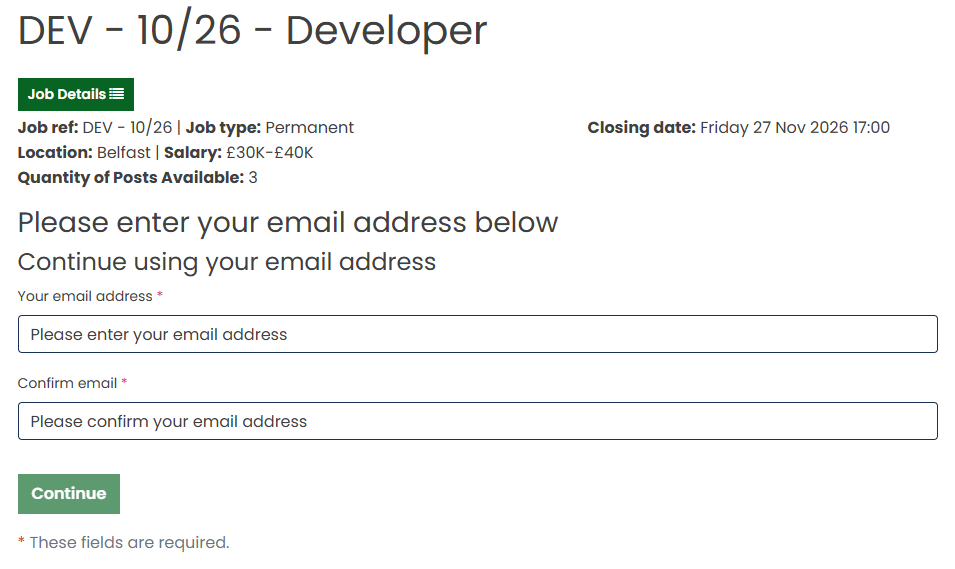
Step 1: Enter Your Email Address
When resuming your application, enter the email address that you originally used to register for the vacancy.
Step 2: Select Forgot PIN
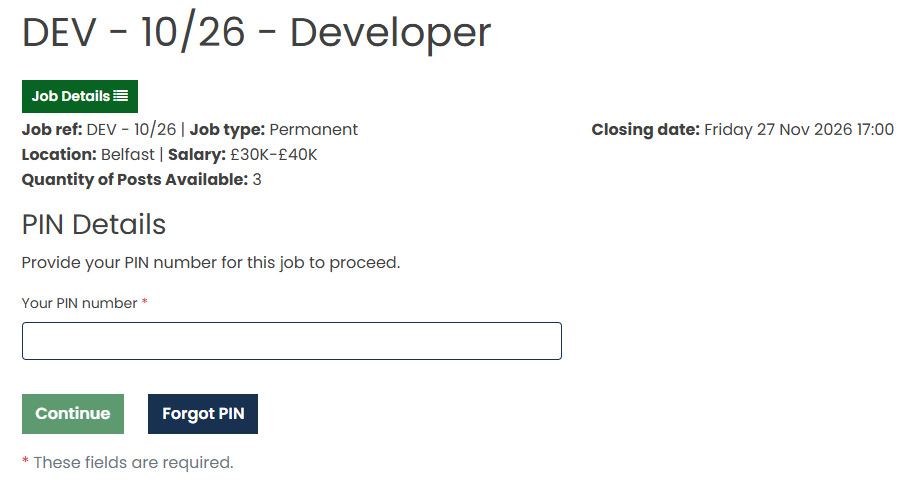
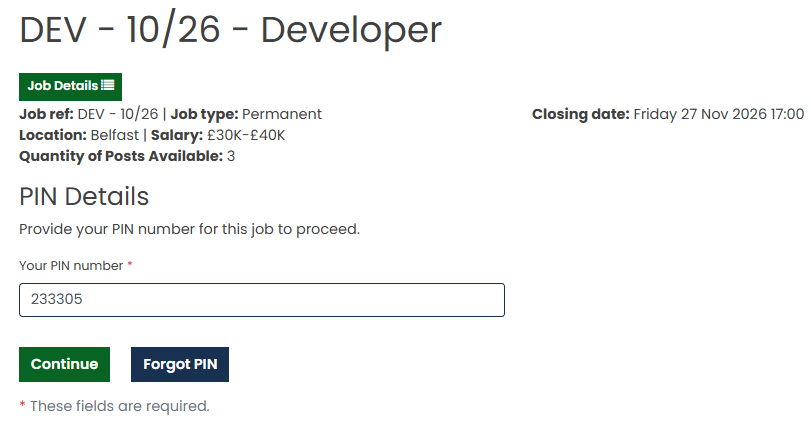
If you cannot remember your PIN, click Forgot PIN on the PIN entry screen.
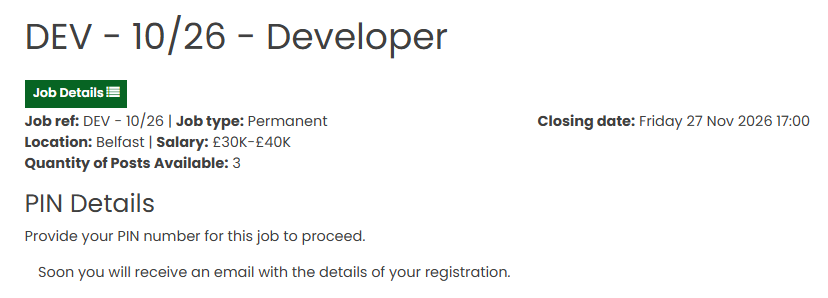
A confirmation message will be displayed advising that an email containing your PIN will be sent to your registered email address.
Step 3: Check Your Email
Check your inbox for the PIN reminder email.
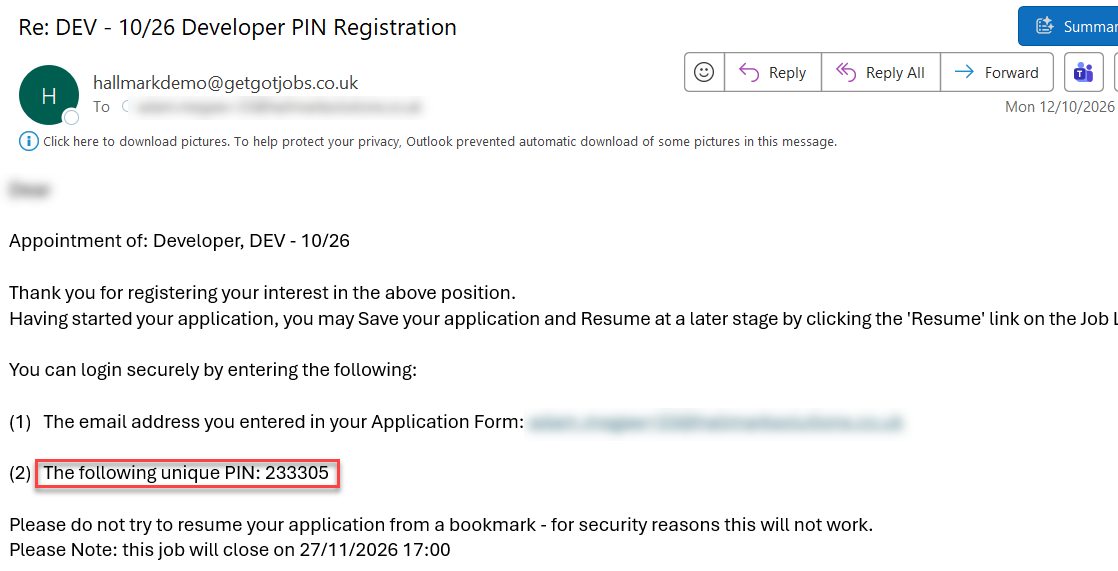
If you do not receive the email, please check your Junk or Spam folder.
Step 4: Resume Your Application
Once you have received your PIN, restart the application resume process.
Enter your email address again and, when prompted, enter the PIN provided in the email.
You will then be able to access and continue completing your saved application.
Was this article helpful?
That’s Great!
Thank you for your feedback
Sorry! We couldn't be helpful
Thank you for your feedback
Feedback sent
We appreciate your effort and will try to fix the article