Job Alerts allow you to receive email notifications whenever new vacancies are posted by organisations or within job categories that interest you. To create Job Alerts, you must first have a GetGot Profile account.
Step 1: Log In to Your GetGot Profile
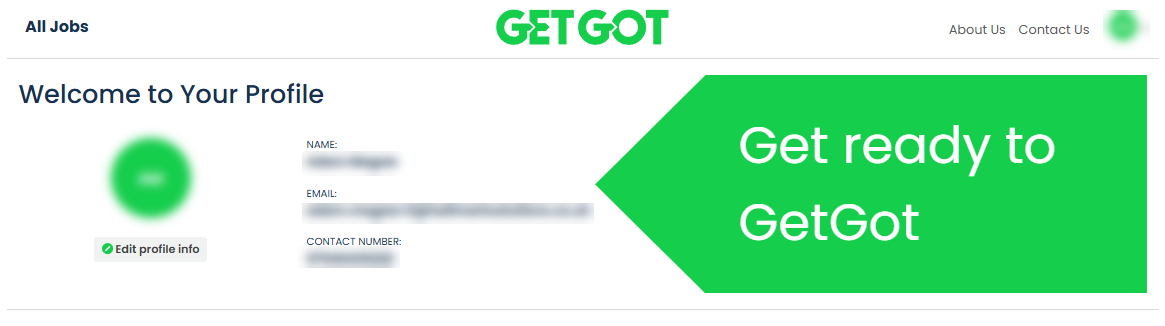
Sign in to your GetGot Profile account and navigate to My Profile.
Step 2: Open the Job Alerts Area
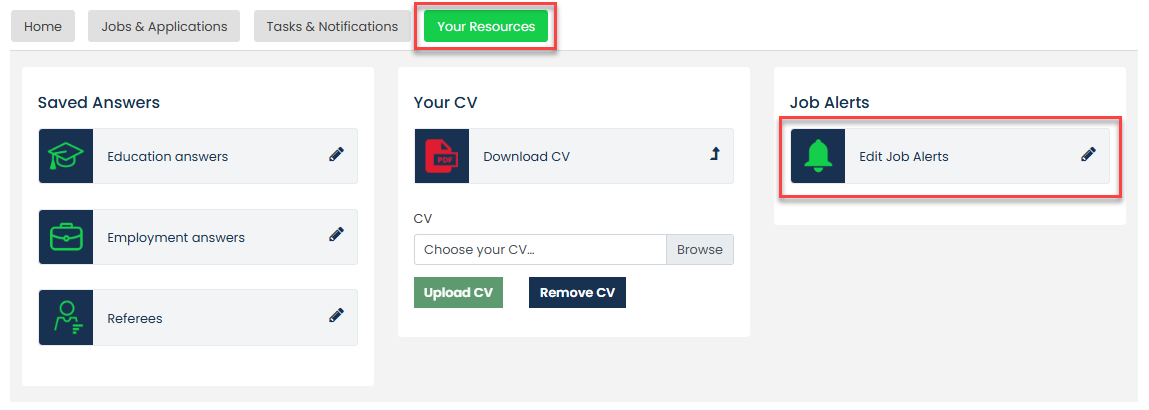
Scroll down to Your Resources, select Job Alerts, then click Edit Job Alerts to manage your alerts.
Step 3: Create a New Job Alert
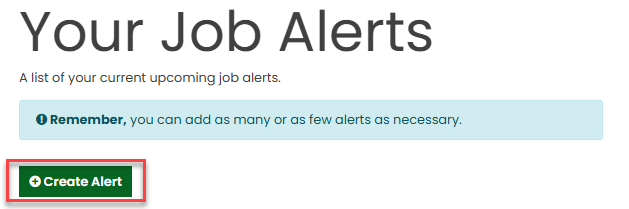
Select Create Alert to begin setting up a new notification.
Step 4: Choose Your Preferences
A pop-up window will appear. Select the Organisation and/or Category you would like to receive notifications for.
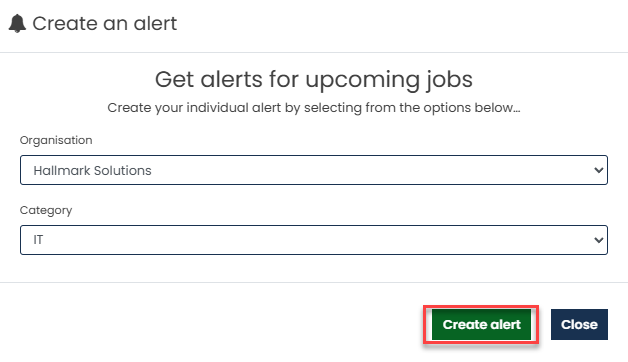
Once you have made your selections, click **Create Alert**.
Step 5: Manage Your Job Alerts
Your new alert will now appear in the Your Job Alerts section.
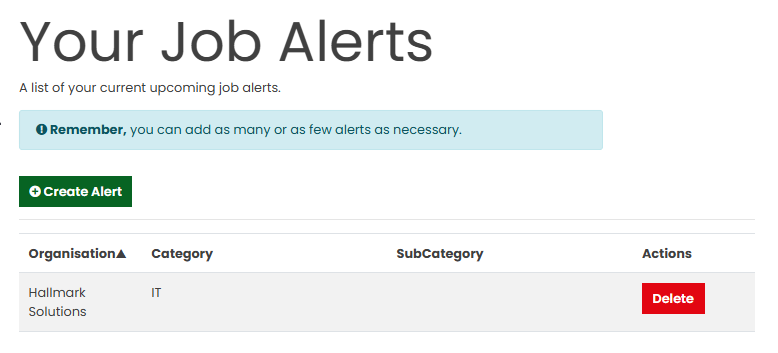
You can create multiple alerts for different organisations and categories to ensure you never miss relevant opportunities.
Was this article helpful?
That’s Great!
Thank you for your feedback
Sorry! We couldn't be helpful
Thank you for your feedback
Feedback sent
We appreciate your effort and will try to fix the article