 The Fund Organisations tile contains a list of funding organisation logos available on GetGot. These funding organisations can be added to a job that is being funded by another organisation. When added to a job the logo of the funding organisation will also be shown on the job advertisement.
An Admin user can access this list of Fund Organisations and choose which are to be active.
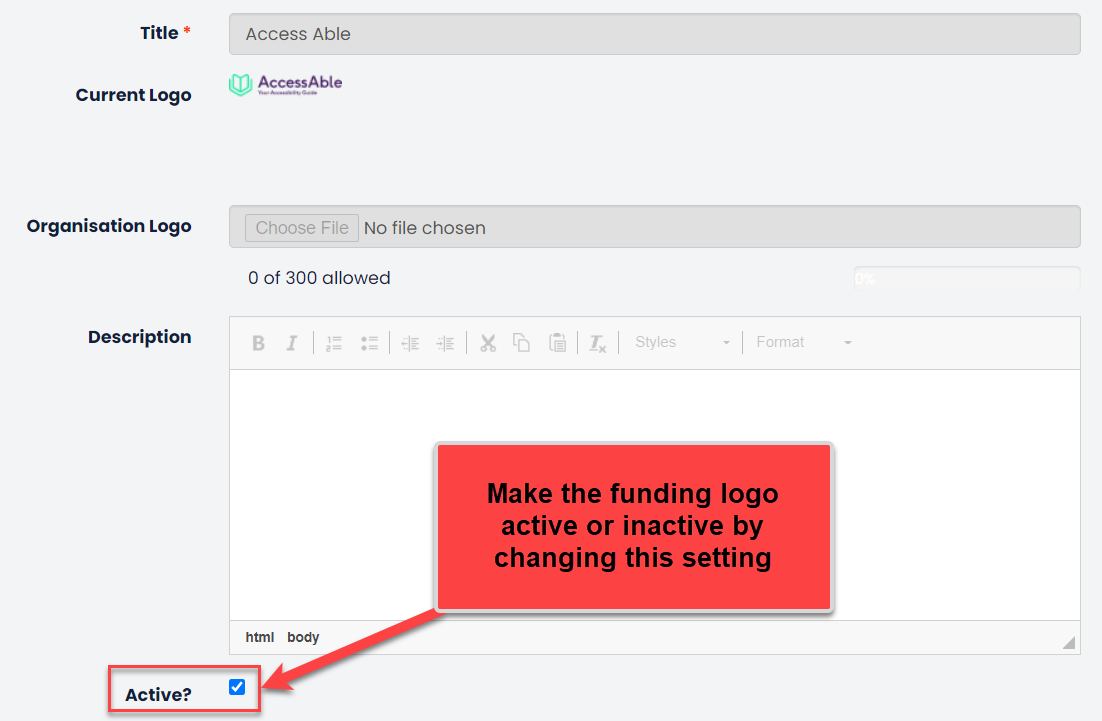
Click Edit next to the funding organisation to amend this active setting.

This will open the funding organisation details screen, which will include a preview of the logo. These details are read only, except for the Active? setting.
Note: If a new funding logo needs to be added to the repository please contact Hallmark Solutions and provide details including, funding logo name and the funding logo in a .png format.
Was this article helpful?
That’s Great!
Thank you for your feedback
Sorry! We couldn't be helpful
Thank you for your feedback
Feedback sent
We appreciate your effort and will try to fix the article