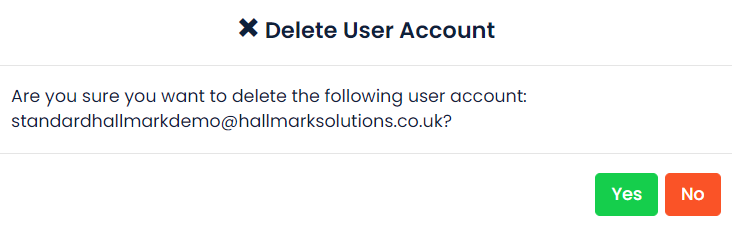
You can also delete a user’s details. Click on the Users tile which will open the user list. Click the Delete button next to the user you would like to remove.

Then click Yes on the confirmation box.
Was this article helpful?
That’s Great!
Thank you for your feedback
Sorry! We couldn't be helpful
Thank you for your feedback
Feedback sent
We appreciate your effort and will try to fix the article