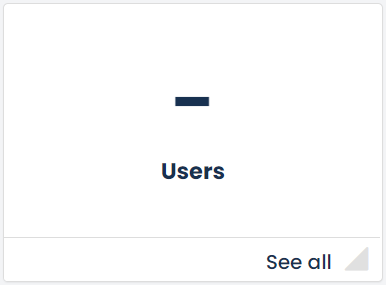
 The Admin user can maintain the organisation’s user list on GetGot. The user list can be accessed via the Users tile on the dashboard.
When clicking on this tile you will be presented with your list of current users on GetGot.
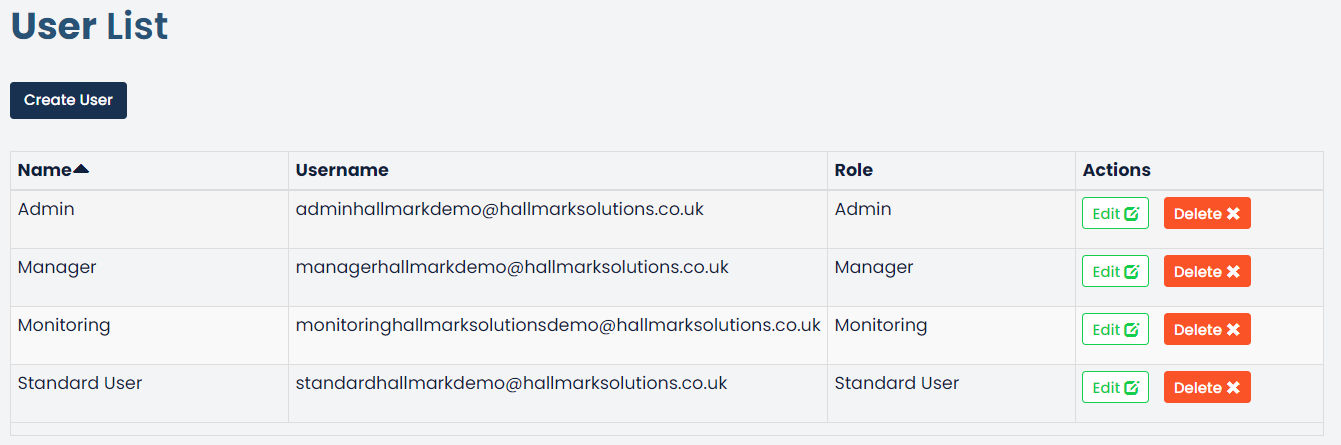
From here you can amend a user’s details by clicking the Edit button. Or you can remove the user by clicking the Delete button.
Was this article helpful?
That’s Great!
Thank you for your feedback
Sorry! We couldn't be helpful
Thank you for your feedback
Feedback sent
We appreciate your effort and will try to fix the article