You can create a Profile at any time, you do not need to be applying for a job to create or update a Profile.
Click Register on the top right of the GetGot header.

Register with Email:
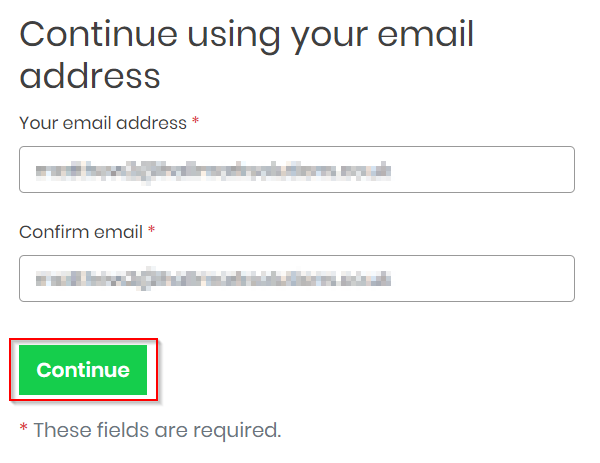
You will be required to enter an email address to start the registration and then click Continue.
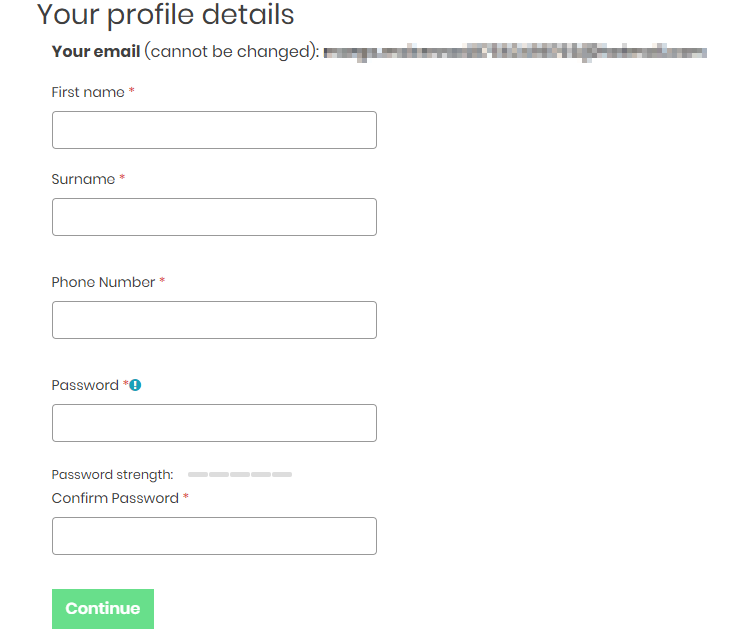
You must complete the details , including first name, surname, phone number and create a strong password.
Register with Facebook:
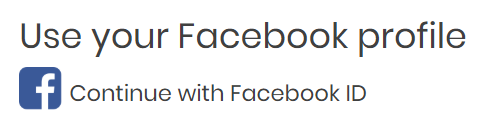
You can also register with GetGot using your Facebook account. After clicking Register click on the Use your Facebook Profile option.
You will then be required to enter your Facebook Email Address or Phone Number and Password.
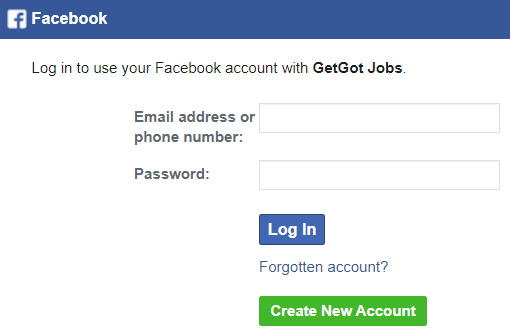
By using your Facebook Account, passwords will be managed via Facebook and not the GetGot Profile.
Please note: Your Facebook Account will not be referred to potential employers via GetGot applications.
Was this article helpful?
That’s Great!
Thank you for your feedback
Sorry! We couldn't be helpful
Thank you for your feedback
Feedback sent
We appreciate your effort and will try to fix the article