Job Notifications can be created to send you email alerts about jobs posted by organisations or categories that you are interested in. Job Notifications can only be set up if you have create a Profile.
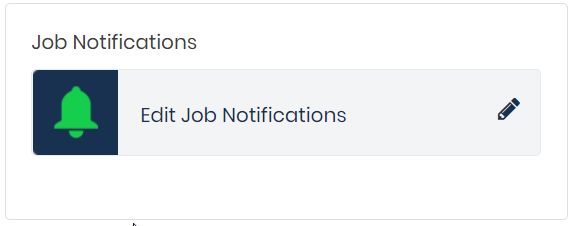
Login to your Profile and go to the Your GetGot Resources section. Here there will be an area called Job Notifications. Click on Edit Job Notifications to set these up.
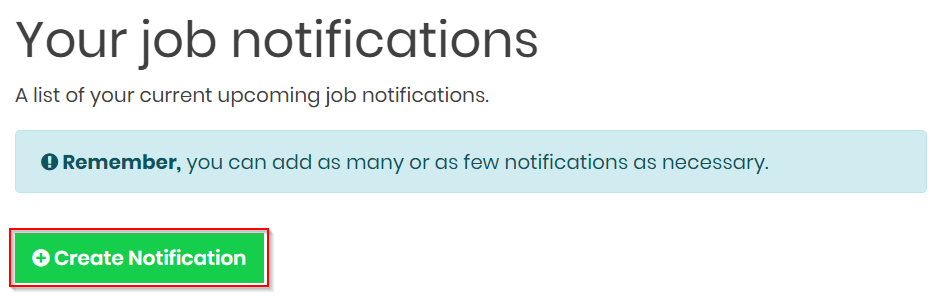
Click on Create Notification
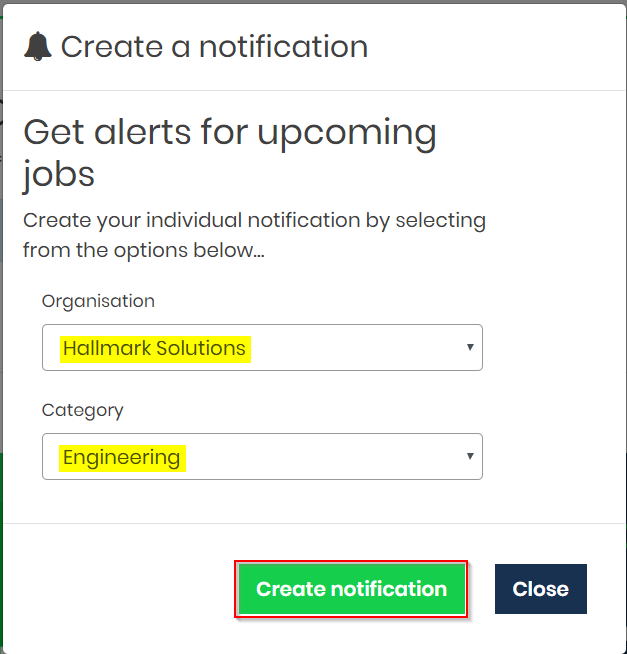
This will open a pop up screen. Select the Organisation and job Category you would like to receive email notifications about and click Create notification.
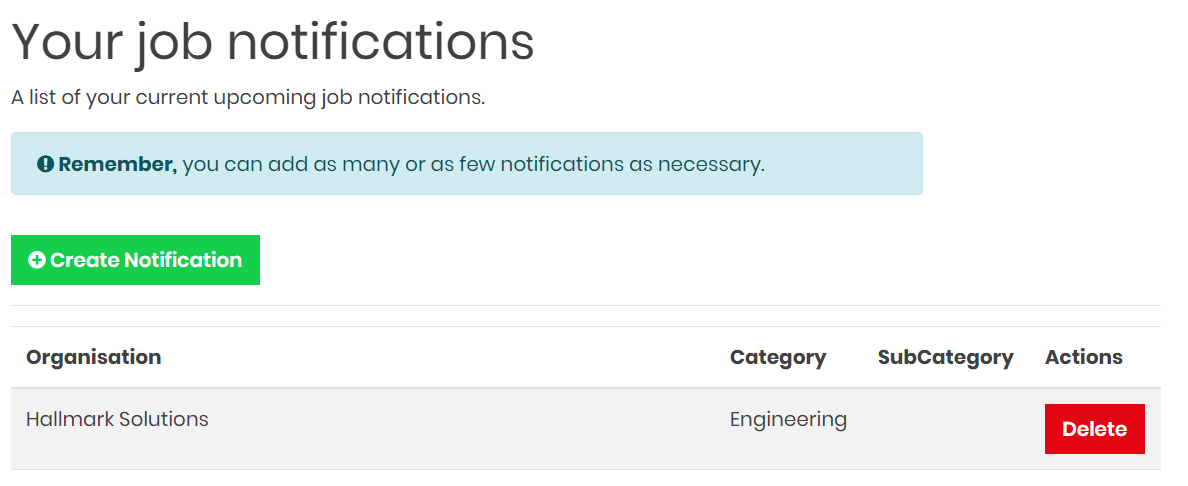
This will now display in your notifications area.
Was this article helpful?
That’s Great!
Thank you for your feedback
Sorry! We couldn't be helpful
Thank you for your feedback
Feedback sent
We appreciate your effort and will try to fix the article