If you have a GetGot Profile account and cannot remember your password, you can reset it using the Forgot Password option on the login page.
Step 1: Go to the Login Page
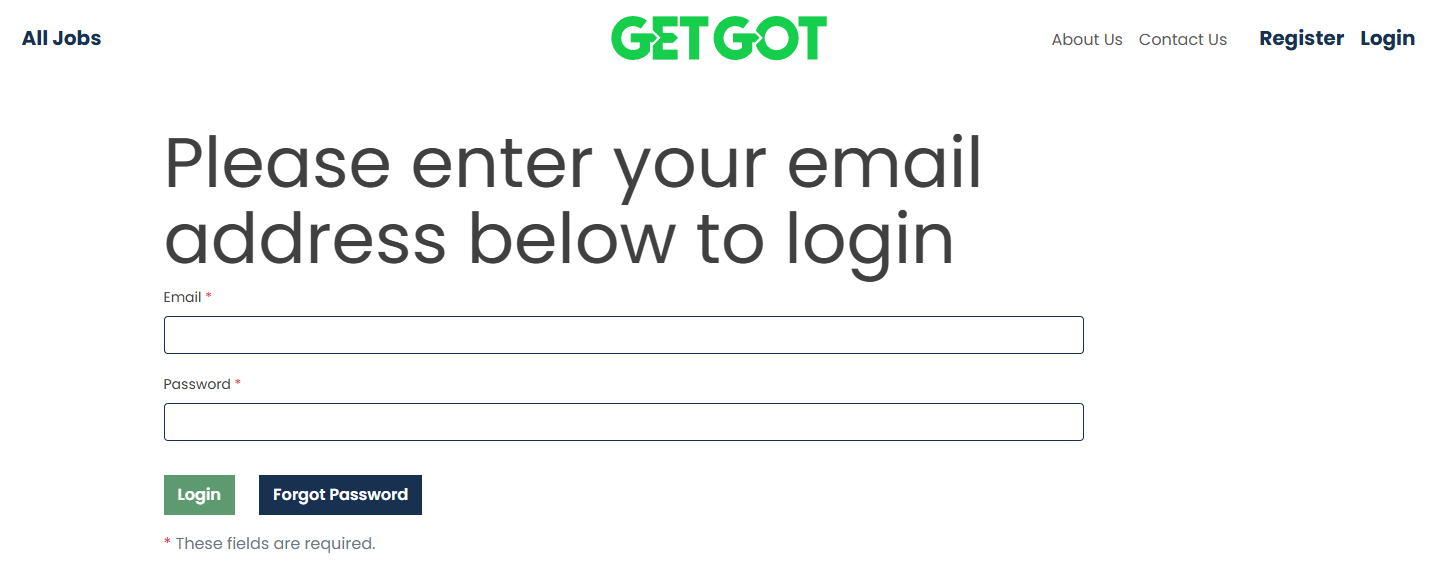
To access the login page, visit https://www.getgotjobs.co.uk/login.
Step 2: Select Forgot Password
Click Forgot Password and enter the email address associated with your GetGot Profile account.
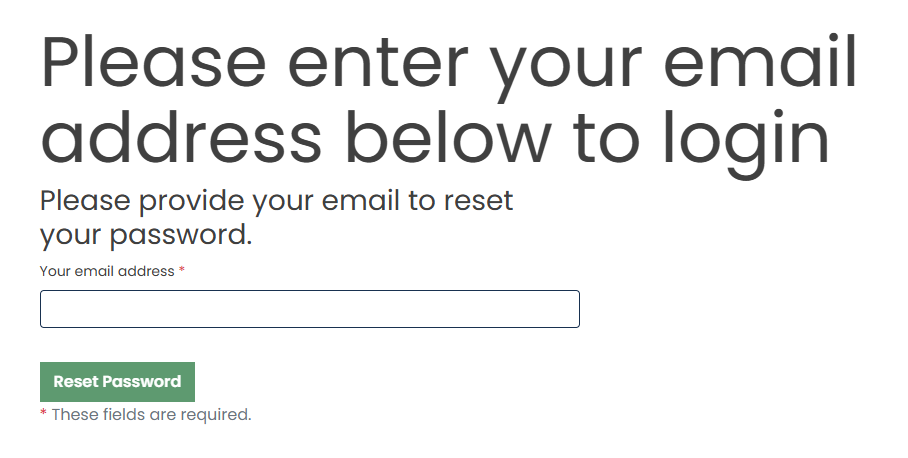
Once entered, select **Reset Password**.
Step 3: Check Your Email
A password reset email will be sent to the email address provided.
Open the email and click the **Reset Password** link to continue.
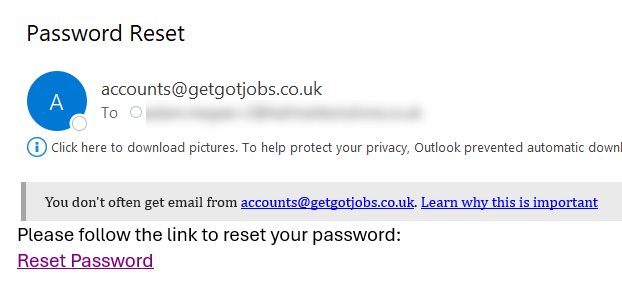
If you do not receive the email, please check your Junk or Spam folder.
Step 4: Create a New Password
The password reset link will take you to a webpage where you will be asked to enter your email address and new password.
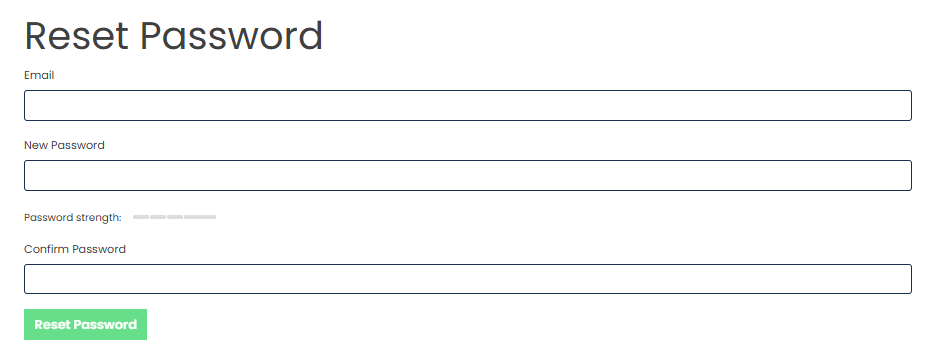
Once completed, select **Reset Password**.
Step 5: Password Reset Complete
If the reset is successful, a confirmation message will be displayed on screen.
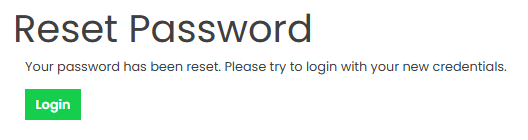
You can then log in to your GetGot Profile using your email address and new password.
Was this article helpful?
That’s Great!
Thank you for your feedback
Sorry! We couldn't be helpful
Thank you for your feedback
Feedback sent
We appreciate your effort and will try to fix the article