A CV will only be required on jobs that have been configured by the employer to accept CV's. If a job does require a CV you will only be able to register as a Profile user for that job posting.
Using your Profile:
If you have created a Profile account you can upload a CV here that can be used for any future job posts requiring a CV to be uploaded with your application.
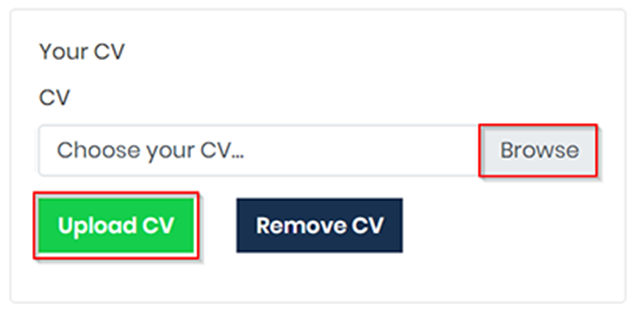
Login to your Profile and go to the Your GetGot Resources section. Here there will be an area called Your CV.
Click the Browse button to search for your CV file (NOTE: The CV must be in a PDF format). When you have selected the file click Upload CV to save this to your Profile.
In a Job Application:
If a job has been configured by the employer to require a CV, after registration you will see the following message:
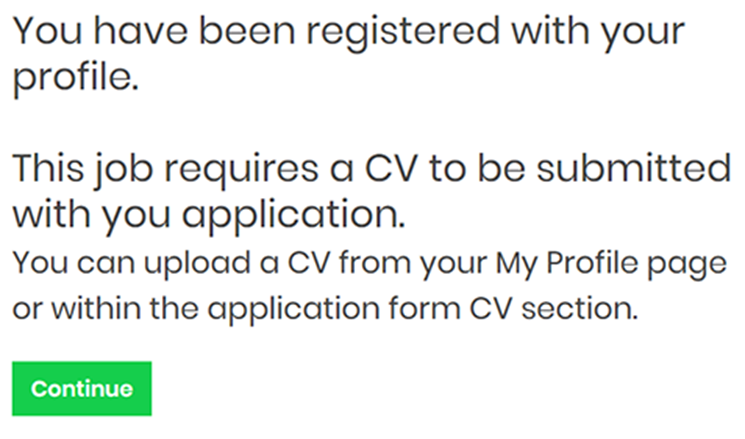
The CV can be uploaded on the Declaration tab of the online application form.
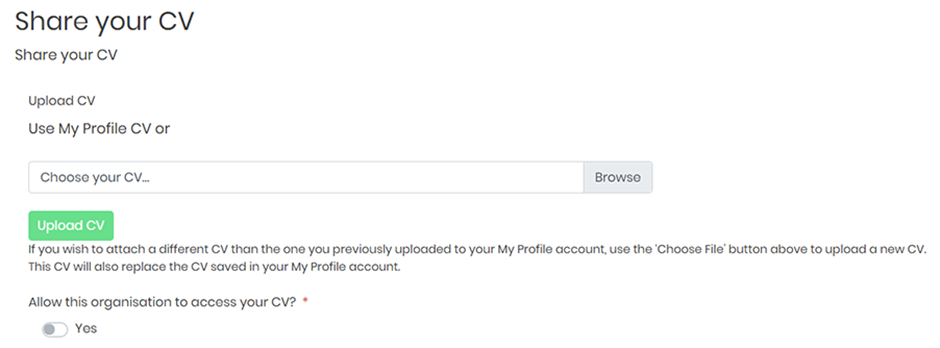
If you have a CV already saved to your Profile you can choose to upload this.
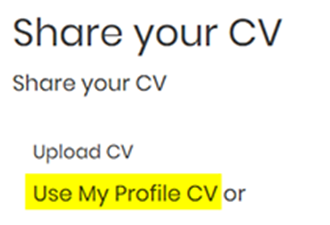
Or you can upload a new CV by searching for a PDF file to upload by clicking the Browse button and then clicking Upload CV.

Once the CV is uploaded here, it will be saved to your Profile and will replace any existing CV that was previously uploaded to your Profile. You will also be able to download the document by clicking the Download CV button.

You will also need to confirm you are allowing the employer to view your CV by flagging the Allow this organisation to access your CV? box below.
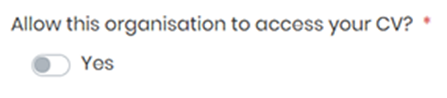
You Please Note: Organisations are unable to view your CV unless it has been attached along with a job an online application for that Organisation.
Was this article helpful?
That’s Great!
Thank you for your feedback
Sorry! We couldn't be helpful
Thank you for your feedback
Feedback sent
We appreciate your effort and will try to fix the article