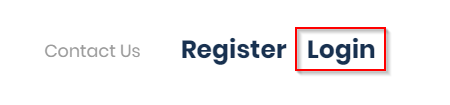
Log in by clicking on the Login button in the top right corner and then enter your email and password.
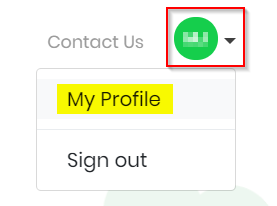
Once logged in, click on your account and then select My Profile.
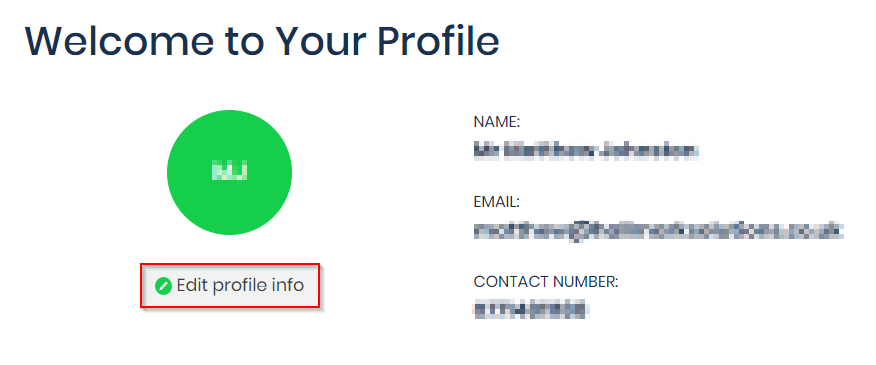
This will open your Profile page, click the Edit profile info button to amend your details, which will include deleting your profile.
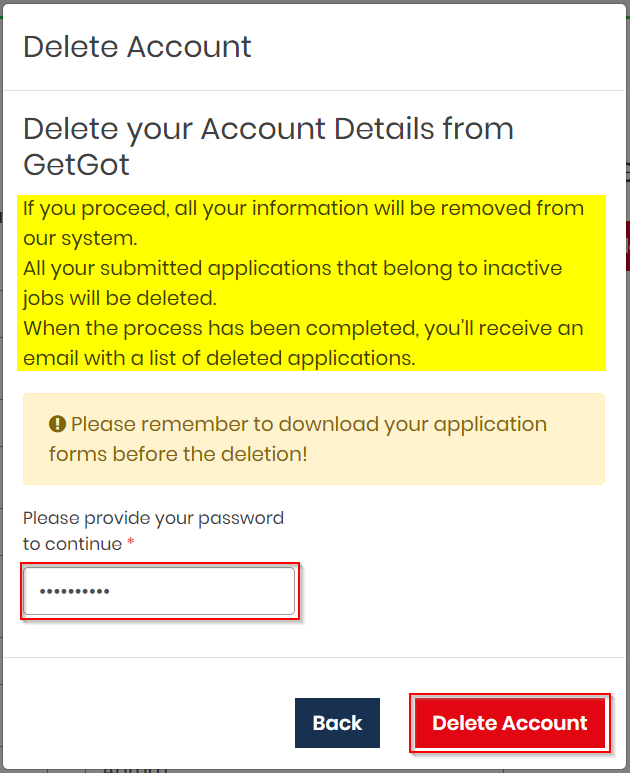
Here, you will see a button called Delete Account.
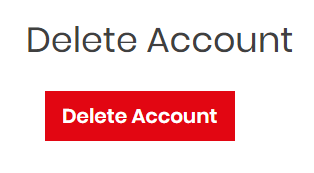
Click on this and a pop up screen will appear (NOTE: Please read instructions carefully before deleting your account). Enter your password and click Delete Account.
Was this article helpful?
That’s Great!
Thank you for your feedback
Sorry! We couldn't be helpful
Thank you for your feedback
Feedback sent
We appreciate your effort and will try to fix the article