The Organisation’s GDPR message will be presented to each unique applicant to the organisation. If an applicant has already accepted a currently in use version of the GDPR message, then they will not be asked to accept it again. However, if users choose to create a new GDPR message, the previous applicants will need to accept the new GDPR message prior to proceeding, even if they have previously accepted a previous version of your organisation’s GDPR message.
To view and amend your organisation’s GDPR message click on the Edit button.

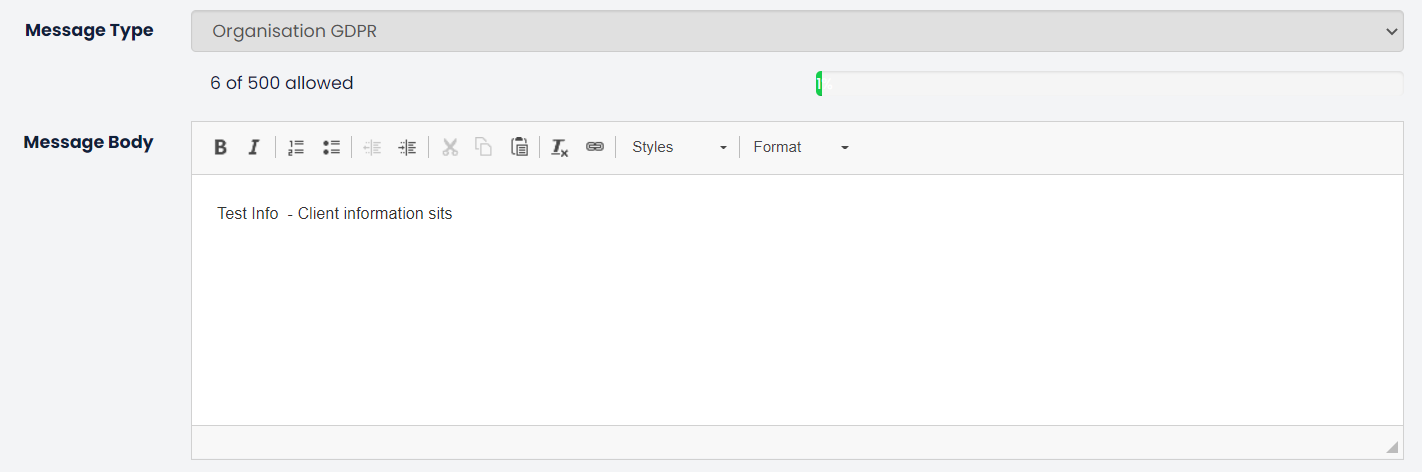
This will open the area where you can amend the content of the GDPR message. Just type your content into the Message Body. This has a 500-word limit.
Force the applicant to always accept checkbox ensures that all applicants need to accept the GDPR message each time they begin a new application form for the organisation, even if they have previously accepted the particular version of the GDPR message.

Was this article helpful?
That’s Great!
Thank you for your feedback
Sorry! We couldn't be helpful
Thank you for your feedback
Feedback sent
We appreciate your effort and will try to fix the article